40 min
/ day
Focus Time Returned
Let AI do the reading, sorting, and summarizing for you
Get instant summaries, answers, and smart tools right where you already browse.
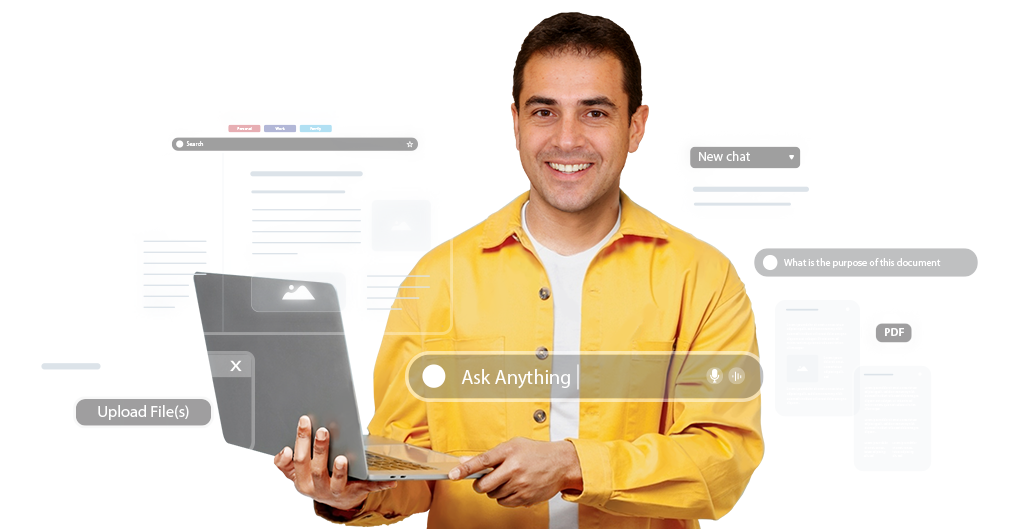
From research to reports, your browser now helps you analyze, organize, and act faster and smarter.
40 min
/ day
Let AI do the reading, sorting, and summarizing for you
≈1.3 GB
with 20 tabs
Laptop stays cool, battery lasts longer
400 per
shift (−30%)
Less mental friction, faster completion
1 hour
/10-page
PDF instant insights and answers - no more skimming
Pick a role below and see how tab chaos turns into side-by-side clarity.


Lesson prep means juggling videos, docs, and web pages that never fit together.

Merge documents and turn videos, docs, and pages into ready-to-use lecture material.

Endless tabs, long PDFs, and hour-long video lectures to get through.
Group tabs by subject and get quick summaries of PDFs and video lectures.

Helping with homework means wrestling file formats and long tutorial videos.
Convert files in a click and summarize tutorial videos to help faster.

Brain fog from too many tabs + tidal wave of text = input overload
Summarize papers, organize PDFs, and keep everything in view while you work
Why choose OneStart?
Easy on eyes with dark mode
Fast and light for smooth browsing
One-click bookmark import made simple
Fully compatible with Chrome extensions
Low memory use for better speed
Collapse and organize tabs smartly
Reliable content summaries while you browse
Jump between popular AI chats instantly
| Feature | OneStart | Brave | Wave | Chrome |
|---|---|---|---|---|
| AI-Assisted Browsing |  | Limited | Pro |  |
| AI Voice Command | | | | |
| Built-in PDF Editor | | | | |
| PDF & Doc AI Tools | | | | |
| AI Switcher | | | | |
| AI Manuals Hub | | | | |
| Tab Groups | | | | |
| Rewards System | | | | |
Got questions? We’ve got straight answers.
Didn’t find your question? Chat with us!
Contact Us
OneStart doesn’t store your full browsing history and doesn’t sell your data. Some usage and device data is collected to keep the browser working — see the Privacy Policy for details.
OneStart is built to use less memory than Chrome, especially with many tabs open.
OneStart is currently available for Windows.
No. You can start browsing right away without creating an account.
OneStart supports extensions from the Chrome Web Store, so you can install the ones you already use.
Yes. OneStart is free to use.